Get customers, Instagram posts, decks and video ads, made for your business by AI.
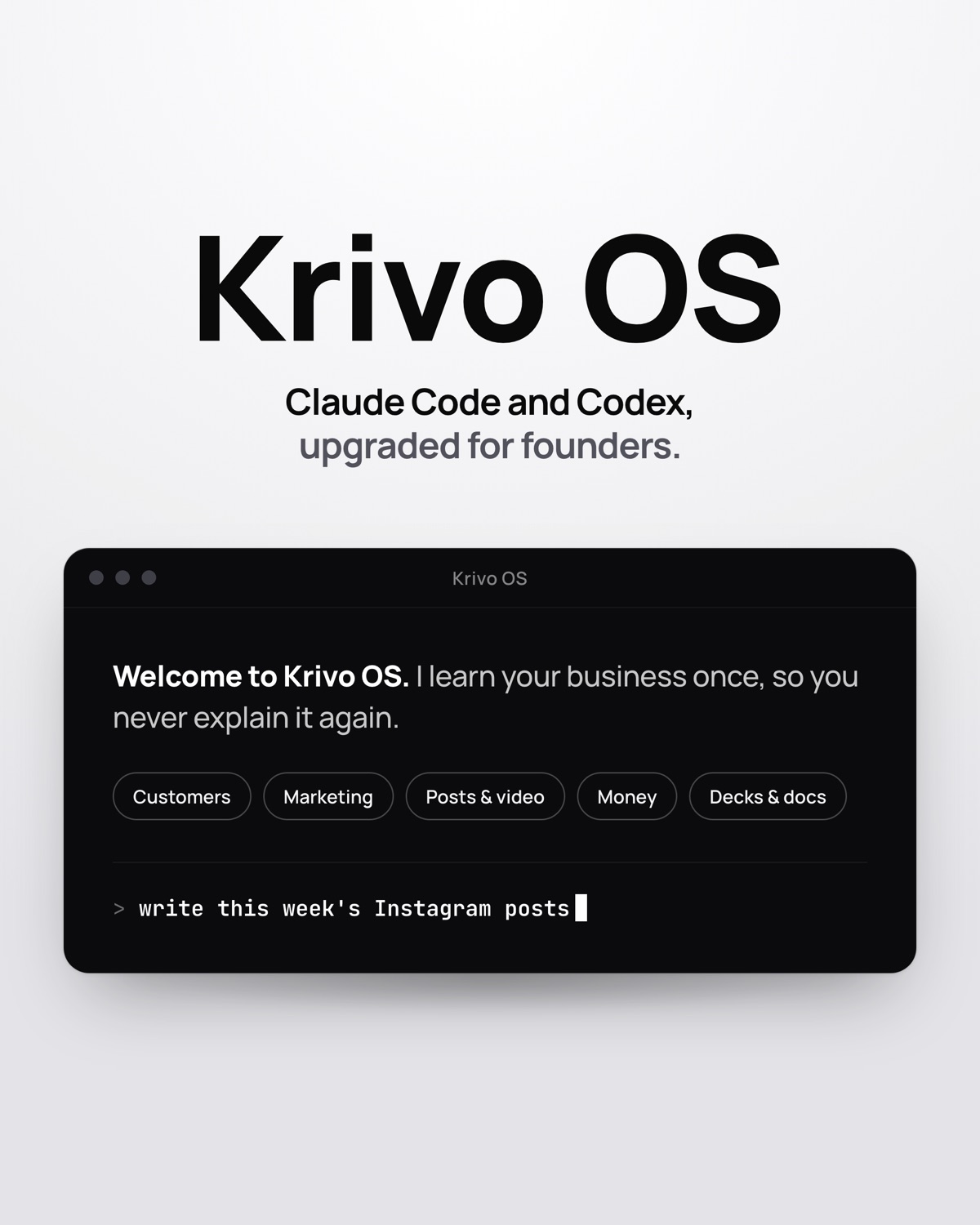
A folder you open on your laptop in the Claude desktop app (Code tab) or the Codex app. It learns your business once, then makes the work in your own logo and words.
One-time payment · Needs a laptop and a paid Claude or ChatGPT plan · Mac and Windows (video features tested on Mac)
Shortened demo for an example business.
Your AI, set up for your business.
Remembers your business
It reads your website once. Every new chat already knows what you sell, who buys it and how you sound.
Makes finished work
Posts, video ads, pitch decks, quotes and a dashboard, saved as files with your logo. Not just chat replies.
Keeps you on track
Leads, decisions and your to-do list stay in the folder, so tomorrow picks up where today stopped.
Morvani Coffee is a made-up example business.
A small roaster in Bengaluru, invented to show the kind of work Krivo OS hands back: a post for Instagram, a slide for the pitch deck, and a quote for a café that wants a monthly supply. Each one in the brand's own look.

11 areas. 53 things it can do.
Just say what you need in plain English. Every area also has a short menu inside.
Pay once. Keep it.
No subscription to us. You need your own paid Claude or ChatGPT plan to run it.
- A Mac or Windows laptop. It doesn't run on a phone.
- A paid Claude or ChatGPT plan, about ₹2,000 a month, bought separately.
- The free Claude desktop app or the Codex app. The setup video shows how.
- All 11 areas, 53 things it can do
- Branded posts, catalogues and video ads
- Works in Claude Code and Codex
- Mac and Windows (video features tested on Mac)
- Setup guide and email support
Buy on your phone now. The download link also goes to your email, so you can open it on your laptop.
Do I need to know how to code?
No. You talk to it in plain English. The guide shows the four setup steps.
What do I need?
A Mac or Windows laptop or desktop, and a paid Claude plan or ChatGPT plan (about ₹2,000 a month), bought separately. You open Krivo OS in the free Claude desktop app (its Code tab) or the free Codex app. Video needs about 3 GB free and a one-time download; video features have been tested on Mac.
Does it work on my phone?
No. You set it up on your laptop. You can buy on your phone and open the download on your laptop, or email this page to yourself.
How do I get it?
Right after payment you get a download link on screen and by email: one zip with the Krivo OS folder and two PDFs.
Where does my data go?
Everything it saves stays in the folder on your computer. Nothing is sent to us. Your AI tool reads what it needs under your own account.
Can I get a refund?
We will personally help you get it running: email contact@krivolabs.com. Because it is software that can be copied, we do not offer refunds. Double charges are always fixed. See Refunds and delivery.